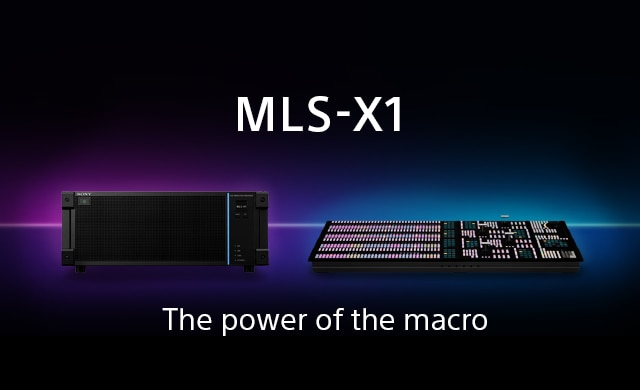
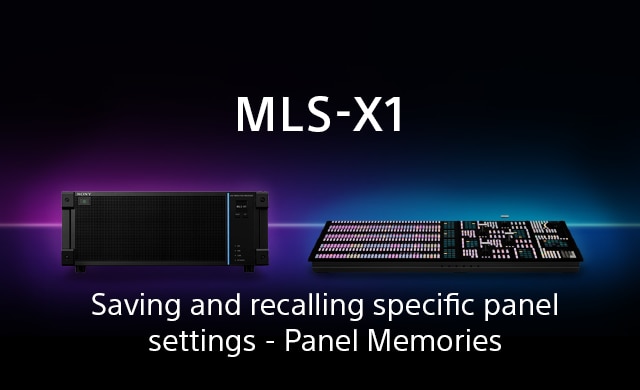
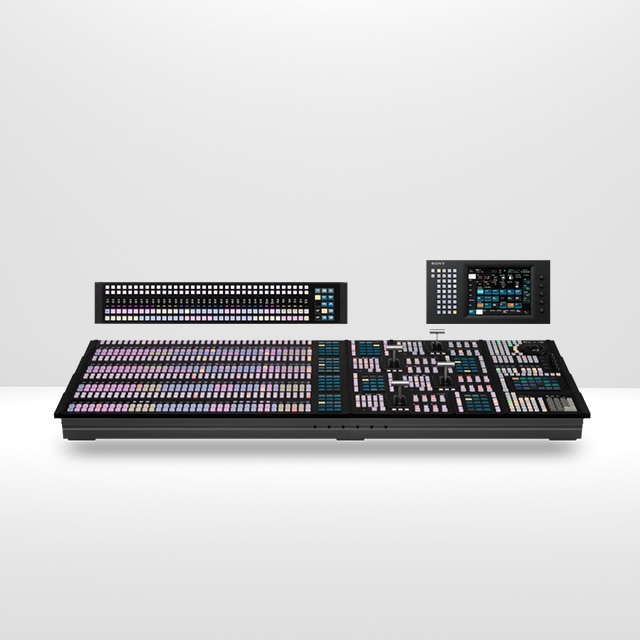
Sony MLS-X1: Dynamic Key Borders, Panning & Scanning Techniques
This video demonstrates how to creatively enhance your live production using the Sony MLS-X1’s dynamic keying and image manipulation tools. Learn how to set up and control key borders, pan and scan images, and use resizers and masks for precise visual effects.
What you'll learn:
- How to apply a graphic border to keyed content
- Techniques for panning and scanning an image inside a graphic border
- Using a CG border effect without a border graphic
- How to achieve dynamic visuals using only the resizer tool
- Cropping images with the key mask function
This guide is ideal for operators looking to add polish and flexibility to their keying workflows in live production environments.