
Sony’s Custom Grid Line
Sony’s Custom Grid Line allows users to display their own grid lines on either the electronic viewfinder (EVF) or the LCD screen. This capability enhances the user experience by providing personalized compositional guidance. Users have the flexibility to register up to four different grid lines, tailoring the camera’s display to suit their individual needs or specific photographic scenarios.
*Availability depends on countries and regions.
Supported cameras
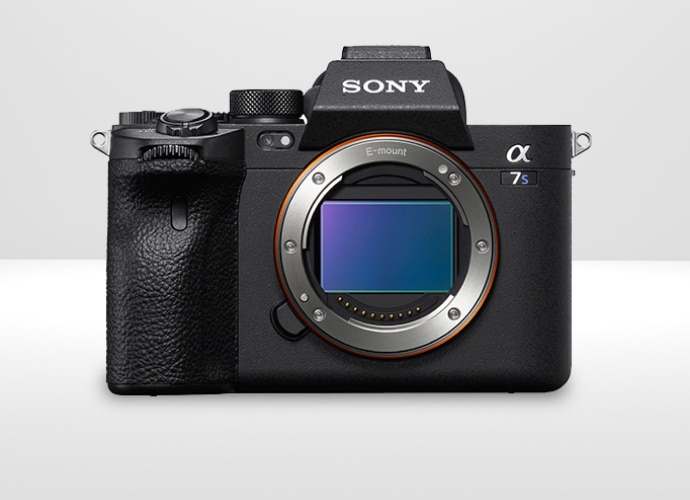
ILCE-7SM3
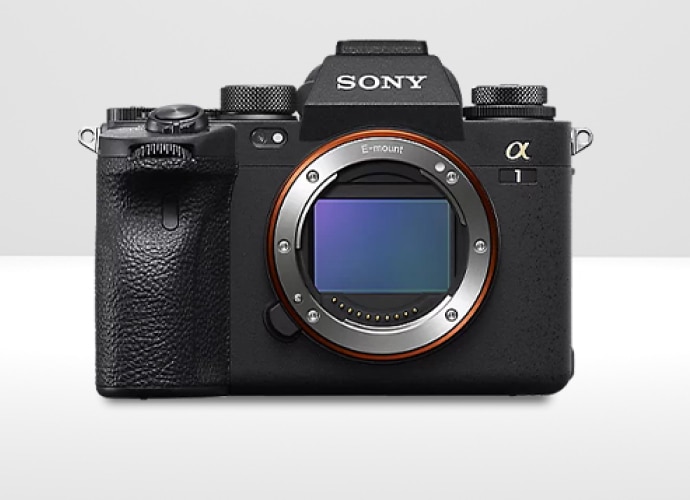
ILCE-1
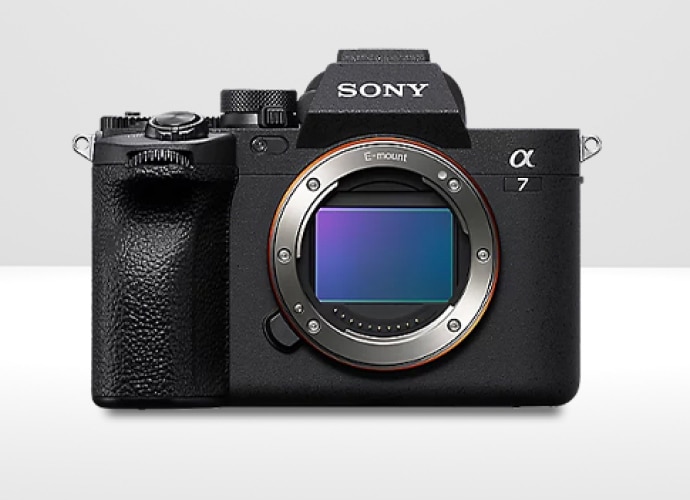
ILCE-7M4
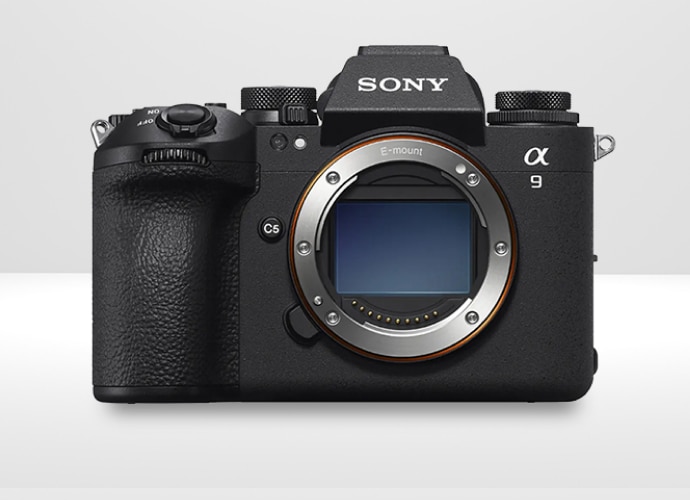
ILCE-9M3
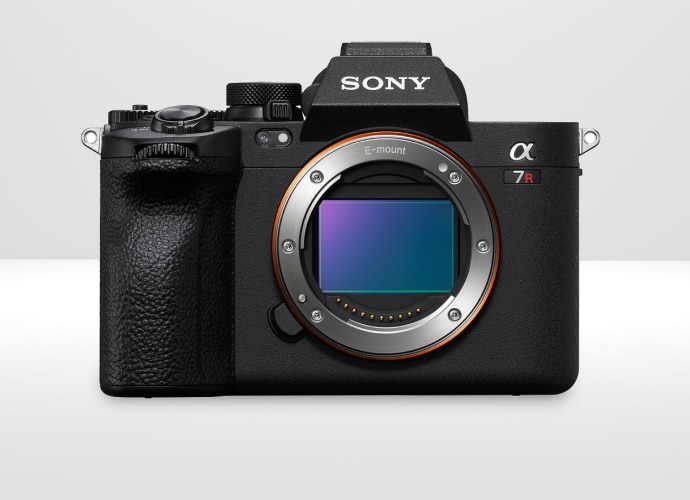
ILCE-7RM5
Usability
Custom Grid Line feature is supported for Alpha Cameras. Additionally, colour grid lines which provide a more distinct and visually appealing guidance system for composing shots. Alpha bodies ensure that these grid lines are not just limited to the camera’s EVF and LCD screens; they are also visible through HDMI output. This means that when users connect their camera to external monitors or recorders, the grid lines remain visible, aiding in precise framing even on larger screens. This feature extends to the playback mode, allowing photographers to view their images with the grid lines on either the EVF or LCD, ensuring consistent composition the use of Custom Grid Line for training, tether shooting, and more.


Easy setup for custom grid and crop lines with Custom Gridline Generator for free
Custom grid line presets can be easily produced in most graphics editors. We also offer a Custom Gridline Generator (CGG)* PC application for Volume Photography customers, allowing user-friendly grid and crop line customisation for your needs.
With CGG, users can select a shooting angle, draw lines and shapes in any color and level of opacity, and create crop lines for any aspect ratio. Additionally, users can import previously captured images into CGG to use as a references for creating grid and crop lines at precise positions. Your preset can then be easily accessed on any licenced camera by storing it on an SD / CFexpress memory card.


