Tools and Software for CineAlta Cameras
Essential resources for VENICE, VENICE 2 and BURANO.

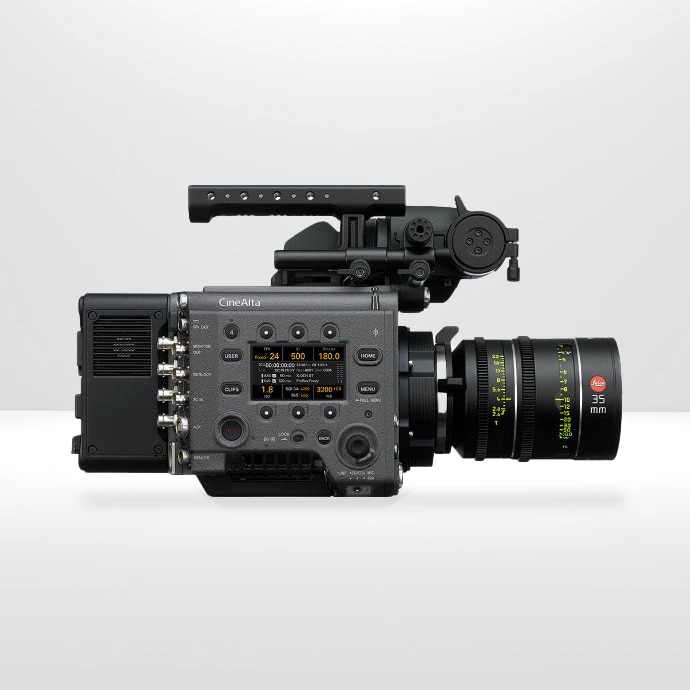
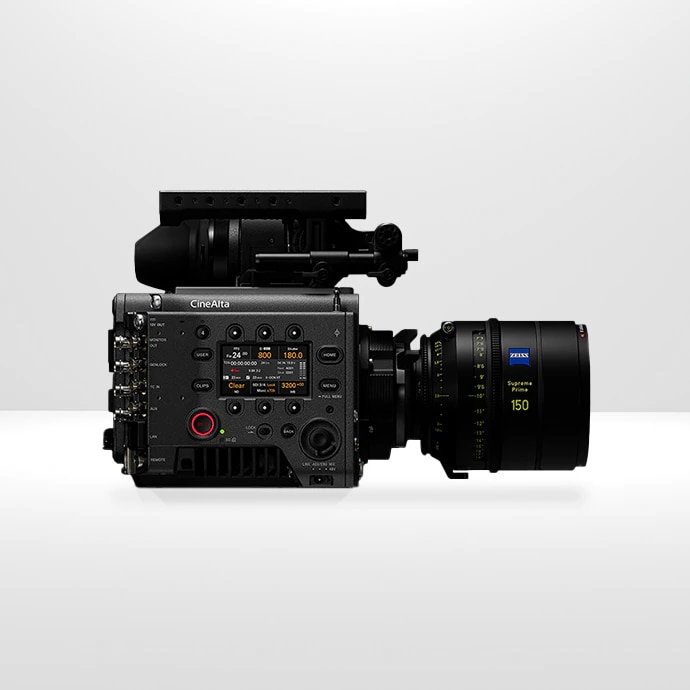
VENICE, VENICE 2, BURANO and SENSOR EXTENSION KIT
VENICE Camera Simulator
An interactive training tool to get familiar with the VENICE camera. Updated in early 2022 to support 6.0 firmware and the full camera menu.
“CineAltaV” is the product name in China.
VENICE 2 Camera Simulator
An interactive training tool to get familiar with the VENICE 2 camera. The simulator includes the full camera menu and is available in 8K and 6K sensor versions.
“CineAltaV 2” is the product name in China.
VENICE Operations Manual
View the latest instruction manual for VENICE.
VENICE 2 Operations Manual
View the latest instruction manual for VENICE 2.
VENICE Brochure
A 44-page introduction to VENICE camera and its accessories.
VENICE 2 Brochure
A 32-page introduction to VENICE 2 camera and its accessories.
VENICE Extension System Brochure
Unprecedented shooting flexibility offered by the Sensor Extension System for VENICE. Never miss a shot again.
VENICE 2 Recording Formats
With its choice of Full-frame 8.6K and 6K sensors, VENICE 2 brings flexibility and creativity to the forefront of image capture.
BURANO System Configuration Diagram
Accessories, connectors and detailed camera body dimensions.
BURANO Camera Simulator
An interactive training tool to get familiar with BURANO camera menu system.
BURANO Tips Videos
Cinematographer Alister Chapman explains how BURANO’s advanced features can make a shoot faster and simpler.
BURANO Recording Formats
With its lightweight, compact design and Full-frame 8.6K sensor BURANO offers great flexibility for an extraordinary cinematic experience.
BURANO Remote Control Guide V.1
Guide to remote operations via RCP, Monitor & Control and Camera Remote Toolkit.
Cinema Line Comparison Chart
Key technical specifications of each Sony Cinema Line Camera so you can choose the right one that fits your cinematic vision.
WORKFLOW
CineAlta Workflow Guide
A 100+ page guide to CineAlta products, core technologies and how best to use in diverse workflows including ACES, HDR and more. Updated November 2024.
BURANO X-OCN Test Files
Clips are typically 10 seconds in duration with 24p and 48p frame rates, plus 120P in 4K 17:9. X-OCN, XAVC H and XAVC I.
VENICE 2 X-OCN Test Files
Clips from nine scenes shot in Denmark with VENICE 2 using the 8.6K sensor. Clips are 24fps, 20-30 seconds, Full-frame 3:2 or 17:9 both Spherical or Anamorphic. X-OCN LT, ST and XT, plus 4K ProRes 4444.
Frame Line Tool
Online application for generating custom frame lines for CineAlta cameras.
X-OCN White Paper
A 20-page introduction to X-OCN (eXtended tonal range Original Camera Negative) – Sony’s compressed RAW format, including its benefits, specifications and X-OCN workflow. Updated February 2024.
X-OCN and XAVC H Supported Products by Alliance Partners
A chart showing support for X-OCN by Alliance Partners including Adobe, Autodesk, Blackmagic Design and many more. Updated November 2024.
o/PARASHOOT White Paper
o/PARASHOOT checks if files on an inserted memory card are already backed-up.
X-OCN Workflow Guide
Using 8K X-OCN in DaVinci Resolve.
X-OCN Workflow Benefits
Detailed guide to high performance creative workflows with VENICE.
X–OCN Workflow Chart: From Capture To Master
Workflow Infographic.
XAVC
June 2024 – XAVC H White Paper [PDF]
Dec 2023 – XAVC Profiles and Operating Points v2.20 released [PDF]
Sept 2023 – XAVC H decode performance on Intel platform [PDF]
Sept 2023 – XAVC Format Version 2.2 has been released [PDF]
Ci Media Cloud
Specifically developed for media professionals, Ci offers a secure, seamless and critically cloud-based workflow from shoot to post and studio.
VENICE Advanced Rendering Transform Guide
ART files have been introduced to VENICE with V6 firmware. See how best to use this new LUT system.
How to Set up VENICE for ACES workflow
Step-by-step guide in order to use ACES workflow with the VENICE camera system.
File Size Calculator
Calculate the media cards needed for your production using VENICE and VENICE 2.
VENICE Stakeholder Benefits
A 2-page document to show how different stakeholders benefit by using the VENICE camera and workflow.
SOFTWARE and FIRMWARE
VENICE Firmware
Download the latest software and firmware for your VENICE.
VENICE 2 Firmware
Download the latest software and firmware for your VENICE 2.
AXS-R7 Firmware
Download the latest software and firmware for your AXS-R7.
RAW Viewer
The ultimate tool to review/ check recorded files from the VENICE camera, create Looks (LUTs and ART files) and export to other formats/ resolutions.
AXSM Drive Utility
This software utility includes several functions for use with the AXS Memory Card Reader (AXS-CR1 and AXS-AR1/AR3) including:
- Displaying the status of an AXS-CR1 and AXS-AR1/AR3 drive and AXS Memory Card
- Fully formatting an AXS Memory Card
- Retrieving log data from an AXS Memory Card
- Updating the Firmware of AXS Memory Card
- Recovering the corrupted Clip-file of AXS Memory Card and PC
Catalyst Browse
Catalyst Browse, a cross-platform viewing and logging tool for all Sony Pro formats, offers streamlined media management that simplifies your workflow and secures your content.
Camera and Display Plugin
Design, visualise and refine your virtual production shots.
Color Calibrator
Fine tune the colour reproduction for your virtual production.
LUTs
LUT Library
Look-Up-Tables from Sony and third-parties for on-set monitoring and colour grading.
Technicolor Look Collection
Add the artistry and experience of Technicolor colorists to your VENICE productions. Free downloads of LUT (Look Up Table) files can be used for on-set monitoring, as well as be applied in post-production. Also included are .ART files, Sony’s new proprietary file format, which offers enhanced performance compared to 3D LUTs.
BURANO LUTs
Four new looks – Warm, Cool, Vintage and Teal and Orange – to choose from. Download now.
Ambassador LUTs Gallery
Free LUT downloads to transform your footage. Suitable for Sony Cinema Line cameras.