Device Provisioning Tool
Complimentary provisioning tool to get your BRAVIA Professional Displays up and running

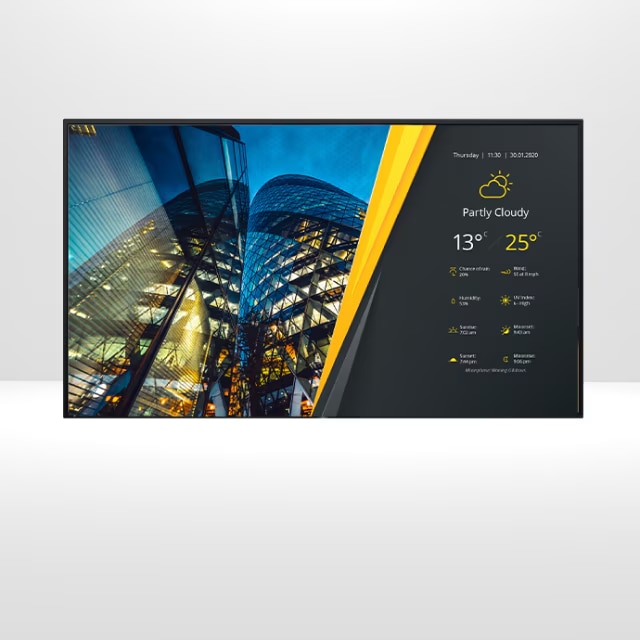
Device Provisioning Tool (DPT) is a free Sony tool for initial provisioning. Leverage this tool to reduce the man-hours required for the initial setup of BRAVIA professional displays. Simply set up a device profile for the environment and use case, scan a QR code on-site, and the initial setup is automatically performed, eliminating manual configuration. DPT allows the deployment of device configurations tailored to each project, ensuring faster, reliable and smarter provisioning.
Seamless preparation and integration
- Register and tag devices in bulk for structured and clear display project management
- Streamline on-site integration without configuring each device individually
- Scan QR code to run the initial setup process and configure every device automatically
- Remotely manage devices simultaneously across ongoing projects
SNAPSHOT OF FEATURE COMPARISON: DPT vs. DMP

Need monitoring & control capabilities?
How to use DPT in 4 quick steps:


Supported BRAVIA Professional Display Models
FY26 Model: BZ40P, BZ35P, BZ30P
FY23 Model: BZ30L, BZ35L, BZ40L, BZ50L, BZ53L
FY21 Model: BZ30J, BZ35J, BZ40J
*Use of this service requires your acceptance of the Terms of Use and Privacy Policy.
BENEFITS FOR INTEGRATORS
Streamlines deployment, reduces labor costs, and improves efficiency.
- Offers SIs a way to configure multiple displays remotely, reducing manual setup time.
- Pre-configured settings ensure consistency across multiple locations.
- Allows SIs to apply customer-specific settings, apps, or branding before deployment.
- Ensures that displays are ready to use upon installation.
BENEFITS FOR END USERS
Ensures optimal performance from day one with minimal config errors and downtime.
- Devices arrive pre-configured, reducing setup complexity.
- No need for technical expertise to get started — just plug and play.
- Standardized settings ensure displays work optimally from day one.
- Reduced risk of configuration errors leading to downtime or display issues.